@bymandychen
 
go to my portfolio →
  • hardware for people
  • visual thinking
  • computer vision
  • thoughts
  • memo
← return home

hardware for people

  • week 5
  • week 4
  • week 3
  • week 2
  • week 1
← return home

visual thinking

coming soon

← return home

computer vision

coming soon

← return home

thoughts

coming soon

← return home

memo

welcome to one of my internet homes, happy to have you here! i created this to document my learnings and experiment with hyperlinks on the infinite web.

← hardware for people

week 5

week 5 — coming home

this week i took the three switches from week 4 and turned them into one physical interaction: a small cardboard house that recreates arriving at someone’s door.

light off → step on the doormat → ring the doorbell → knock on the door → light on

building the house

i built it out of cardboard and mounted the electronics around and behind it. i kept the construction simple on purpose instead of trying to hide every component.

  • cardboard front and walls
  • a small window opening
  • a cardboard fence
  • an led inside the window as the house light
  • the xiao and breadboard tucked mostly behind/inside

the three steps

doormat (D0) — the pressure switch became the welcome mat. two copper surfaces sit separated inside the cardboard mat, and stepping on it presses them together.

doorbell (D2) — the arcade button became the doorbell, mounted on the house so pressing it feels like ringing a bell, not poking a breadboard.

door / knock (D1) — the hinged flap became the door. knocking against it makes the copper contacts meet.

after all three happen in order, the window lights up. the code remembers each step, so you can step on the mat, let go, ring the bell, and then knock. it feels way more natural than holding everything down at once.

electronics

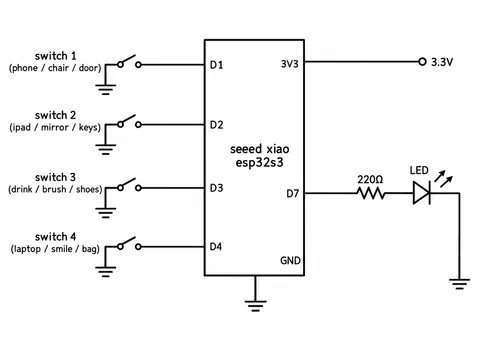
the circuit stayed almost exactly the same as week 4:

D0 ── doormat ── GND
D1 ── door ───── GND
D2 ── doorbell ─ GND
D3 ── resistor ── led ── GND

the main change wasn’t the electronics, it was giving the switches a context. in week 4 they were press, close, push. now they’re step on a doormat, ring a doorbell, knock on a door. same circuit, but now it communicates an idea instead of just proving the wiring works.

challenges

the hardest part was fitting all the wires into a tiny cardboard model. the circuit worked before the house existed, so i tried not to rebuild it, and kept the breadboard and wiring toward the back and top so the front stays readable.

copper contacts were also finicky. the tape either touches by accident or misses completely if the cardboard doesn’t line up, so i adjusted the spacing a bunch of times.

final result

a tiny ritual of coming home. the house starts dark. you step on the mat, ring the bell, knock, and the window lights up. it was interesting to see the exact same circuit from last week feel completely different once it lived inside an object and had a story.
← hardware for people

week 4

week 4 — make your own switch

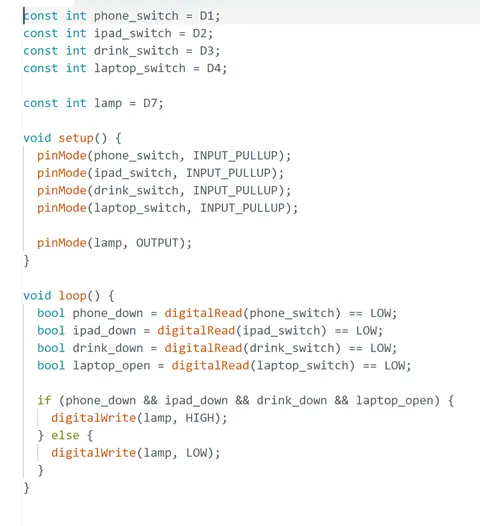
today, i explored three main ideas for this assignment. the goal was to design custom switches using everyday objects or actions instead of traditional buttons, then combine three or four of those switches so that activating them together turns on a light. i focused on routines that already contain natural moments of pressing, placing, opening, closing, or touching.

idea 1 — lock in

my first idea was based on my study routine. the light would turn on once i was fully “locked in.”

  • phone placed down
  • ipad placed down
  • drink placed down
  • laptop opened

the first three could use pressure switches, while the laptop could use a contact switch triggered when it opens. once all four are active, a desk lamp turns on.

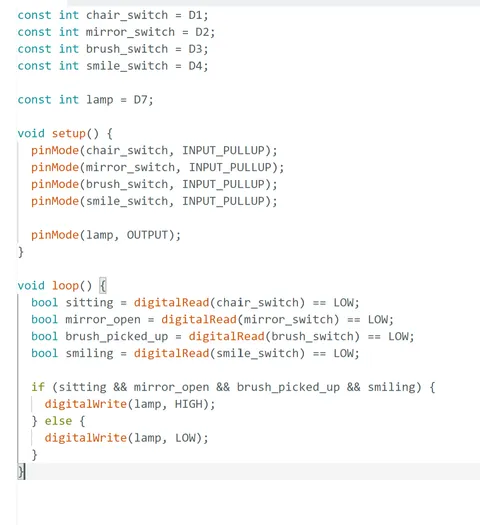
idea 2 — makeup / getting ready

my second idea was based on getting ready at a vanity.

  • sit down
  • open makeup mirror
  • pick up a makeup brush
  • smile

i liked this idea because it feels more expressive and personal. the physical actions could use pressure or contact switches, while the smile could act as the final signal that i’m “ready.” the output would be a lamp turning on. i also tend to forget the close the light of my makeup mirror so this would be super useful for me.

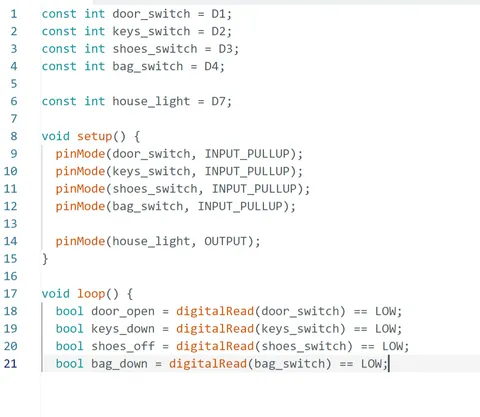
idea 3 — light up the house

my third idea was based on a “coming home” routine, where completing a few everyday actions would light up a small monochrome model house.

  • open the door
  • put keys down
  • take off shoes
  • set a bag down

each action could trigger a different custom switch. once all four are activated, the lights inside the house turn on. i liked this direction because the interaction and output are directly connected: completing the routine literally makes the house light up.

the build — three ways to make a switch

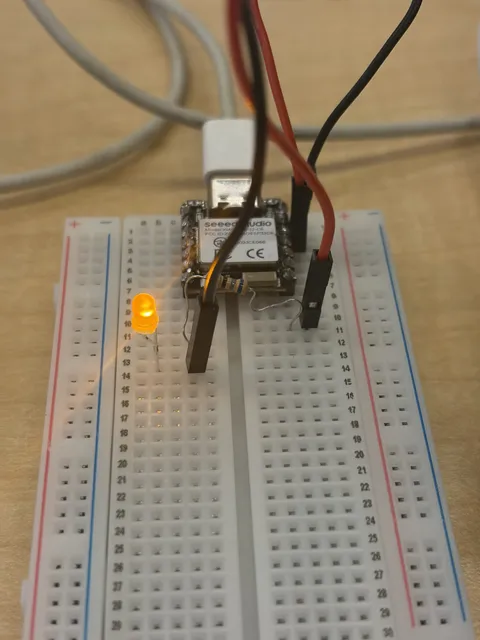
i ended up building three switches with a seeed studio xiao esp32c6, cardboard, copper tape, jumper wires, an led, and a breadboard. first i got a single led working on D3 (through a resistor to ground), then built and tested each switch one at a time.

switch 1 — pressure switch

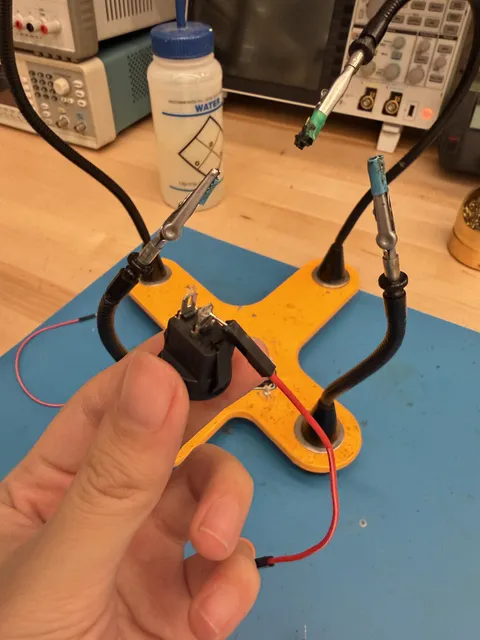
two pieces of cardboard with copper tape facing each other, separated by a small gap. press down and the copper touches, closing the circuit. one contact goes to D0, the other to GND.

i used INPUT_PULLUP, so the pin reads HIGH when open and LOW when the copper touches.

the led stayed on constantly at first. turns out the copper was already touching even when i wasn’t pressing. adding small spacers between the cardboard fixed it.

switch 2 — hinged flap

i wanted an action that wasn’t just pressing. two pieces of cardboard taped into a simple hinge, copper on the underside of the flap and another contact on the base. close the flap and the contacts meet. wired to D1 and GND. a nice prototype for a door opening or closing.

switch 3 — button

one of the big arcade buttons from the kit, placed across the center gap of the breadboard, one side to D2, the other to GND.

the led stayed on constantly again. i’d wired two legs that were already internally connected. moving one wire to the opposite side of the button fixed it.

putting it together

once each input worked on its own, i programmed them as a sequence:

  1. activate the pressure switch
  2. press the button
  3. close the flap
  4. led turns on

the program remembers each completed step, so you don’t have to hold all three at once.

D0 → pressure switch
D1 → flap switch
D2 → button
D3 → resistor → led → GND
all switches → GND
const int matSwitch = D0;
const int doorSwitch = D1;
const int doorbell = D2;
const int ledPin = D3;

bool matDone = false;
bool bellDone = false;
bool doorDone = false;

void setup() {
  pinMode(matSwitch, INPUT_PULLUP);
  pinMode(doorSwitch, INPUT_PULLUP);
  pinMode(doorbell, INPUT_PULLUP);
  pinMode(ledPin, OUTPUT);
  digitalWrite(ledPin, LOW);
}

void loop() {
  if (!matDone && digitalRead(matSwitch) == LOW) {
    matDone = true;
  }
  if (matDone && !bellDone && digitalRead(doorbell) == LOW) {
    bellDone = true;
  }
  if (bellDone && !doorDone && digitalRead(doorSwitch) == LOW) {
    doorDone = true;
  }
  if (matDone && bellDone && doorDone) {
    digitalWrite(ledPin, HIGH);
  }
}

reflection

the biggest thing i learned: a switch is really just two conductive contacts brought together by an action. once that clicked, the physical form could change while the electronics stayed almost identical. the pressure pad, the flap, and the button all feel different in your hand but give the xiao the exact same kind of input.

← hardware for people

week 3

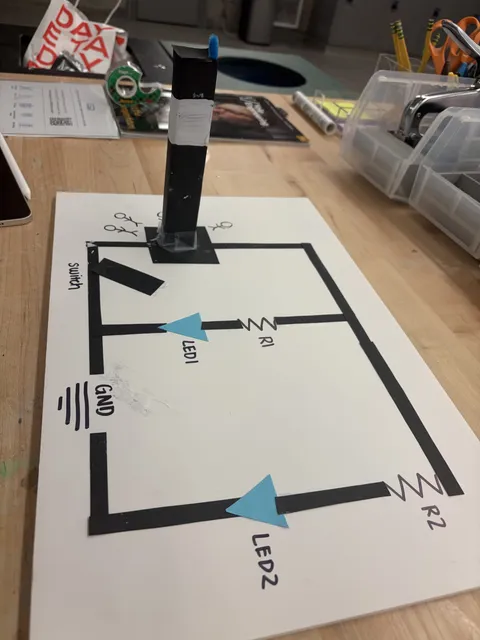
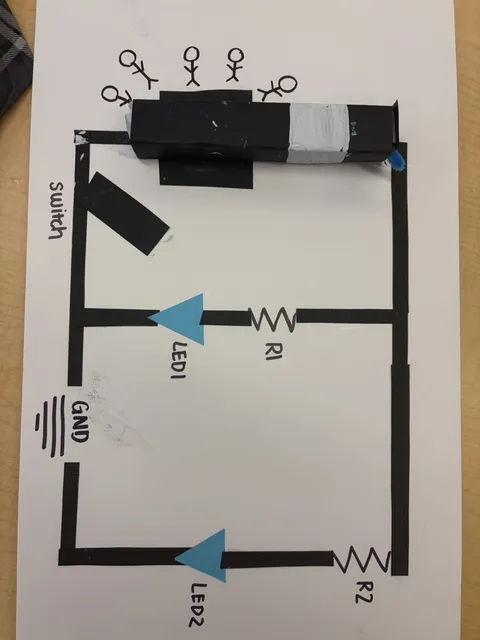
built my first circuit. here’s the rundown, trials, and tribulations:

  1. had to think of verbs (to sprint, to fear, to press)
  2. drew down a circuit board conceptually inspired by those emergency towers
  3. circuited 2 leds, one blue and white, attached to a rocker switch
  4. programmed quick flashing of lights when user presses the switch

throughout the process, i had to solder the MM wires to the rocker switch that was connectable by huge outlets. i definitely failed the first two times, i think one attempt i put too much solder that it affect the switch function but the second attempt worked.

← hardware for people

week 2

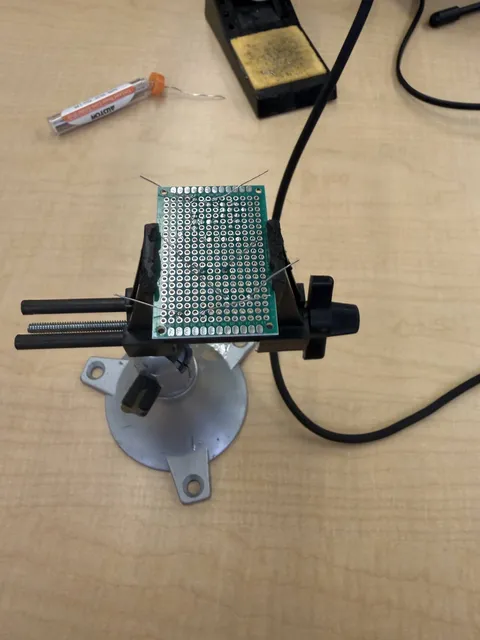
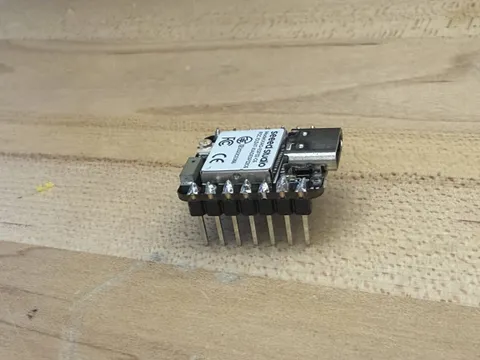
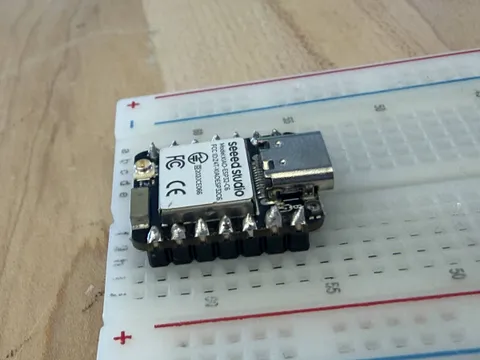
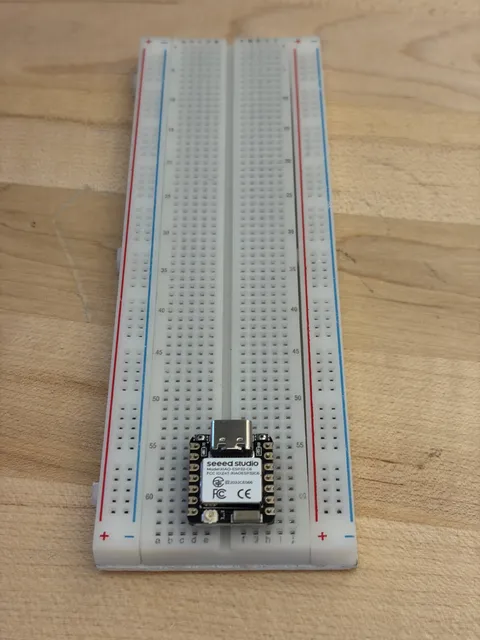
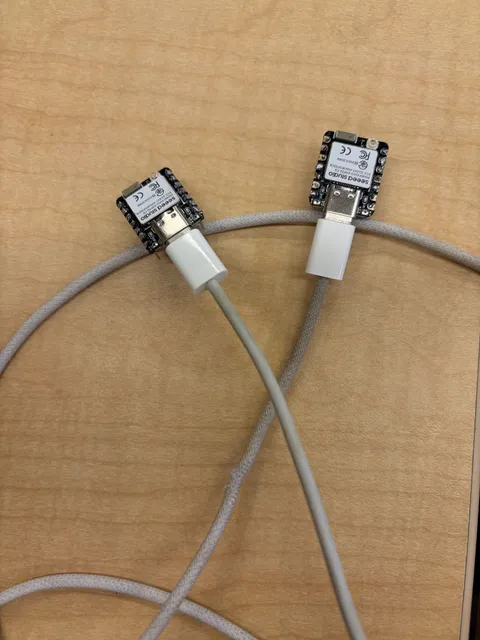
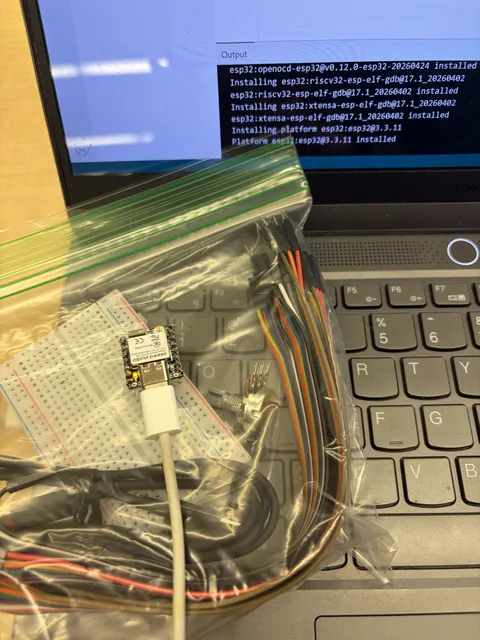
this week, we learned how to solder at the ceid and how to tell a good joint from a bad one. i hadn’t soldered in almost 5 years so it was a great refresh. we received our xiao esp32-c6 and soldered on the header pins as the takehome assignment. i definitely did not do a great job and used so much solder that it looks like cake frosting, but none of the joints are bridging so it should still function correctly. after that i downloaded the arduino ide and installed the esp32 board package so i could plug the xiao in over usb-c and get the ide talking to it.

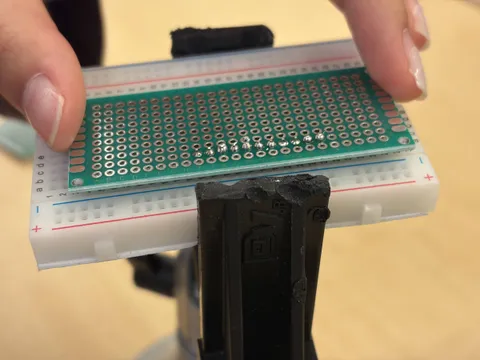
i’m definitely excited to start breadboarding, since for homework we went through the labs on components, breadboards, and electronics. a lot of components like the servo motor and dc motor are incredibly familiar to me (thank you medtronic) but i hope to test out more of the sensors and relearn how to cut and strip wire.

← hardware for people

week 1

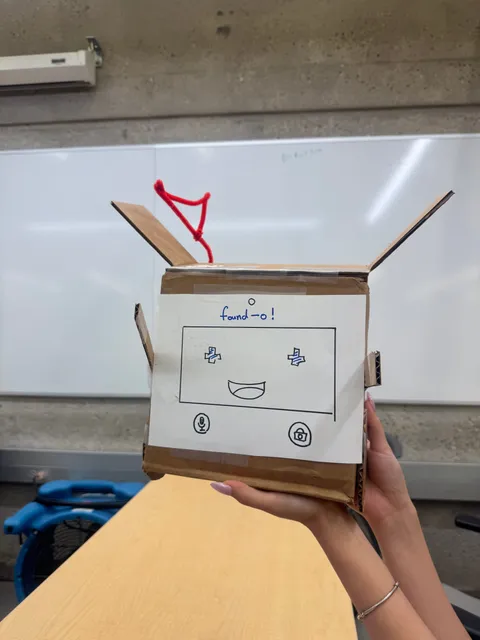
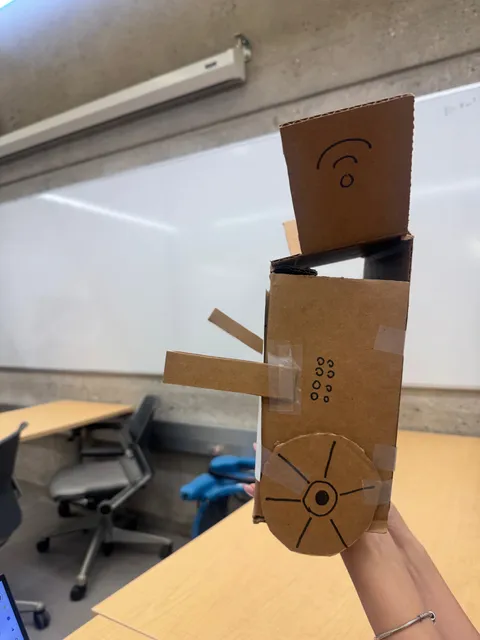
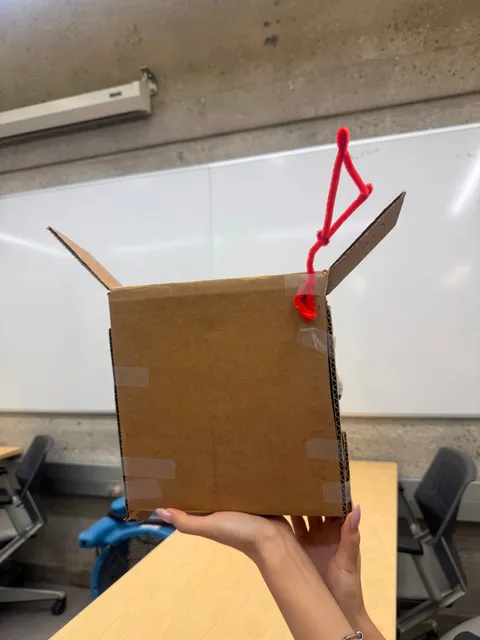
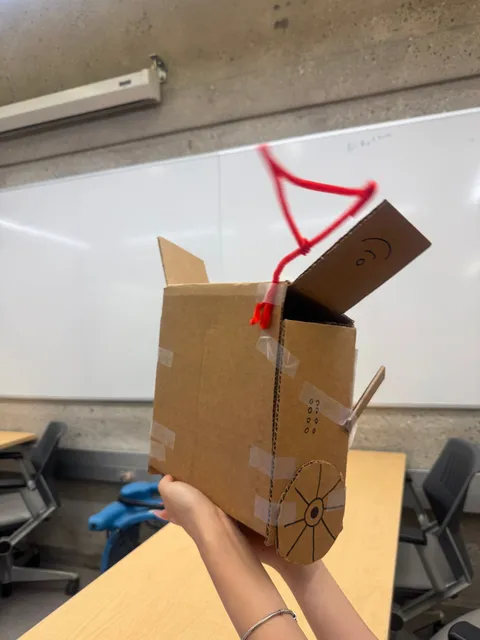
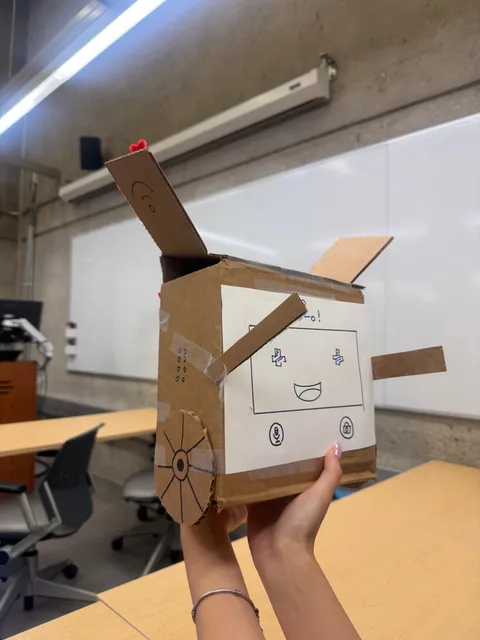
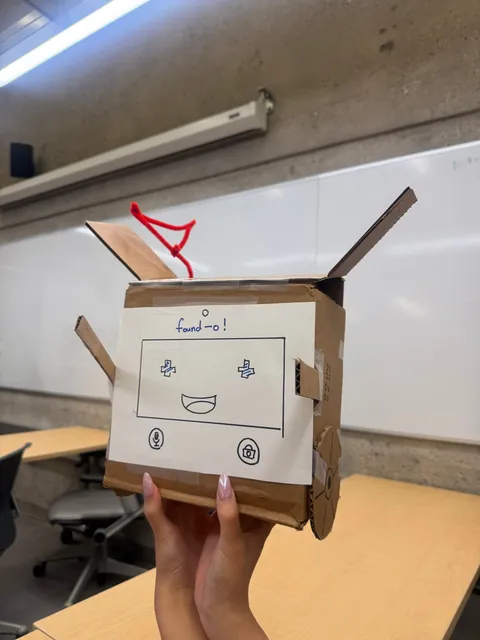
today, we went to ceid, did makerspace onboarding, training and closed with a interesting exercise. we listed products we wished existed, i immediately thought about problems i face day to day and things that would resolve it (without considering restrictions of physics). we got 10 minutes to translate one of these products into prototypes using materials at the ceid. so, we created a robot that could find your missing things for you:

  1. his name was found-o, speak to him and he will find your left airpod, missing sock, or keys.
  2. we gave him the minimal functionalities: wheels, signals, and arms.
  3. rapid prototyping gets messy, but scrappiness is the best way to start.
  4. interfaces get tricky, especially creating new ones that don’t yet exist.
  5. if you’re thinking big, think bigger.

i like the concept of norman doors. perhaps if we make enough norman doors, it eliminates all bad designs until we find the right one. or it’ll lay the foundations of what NOT to do. i’ll continuing messing around with this idea.